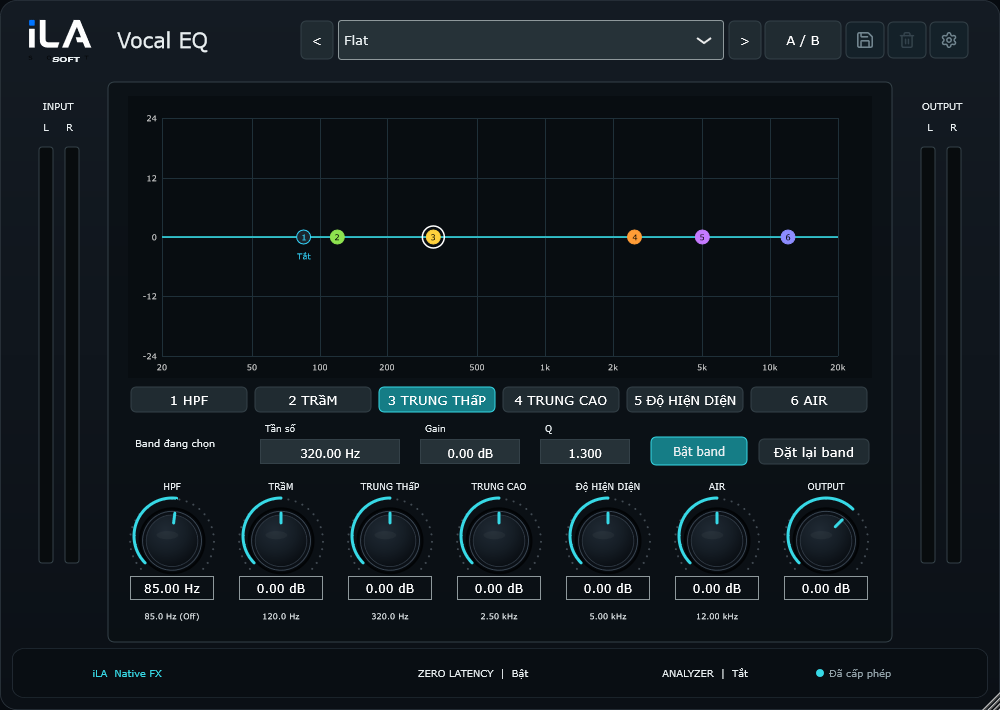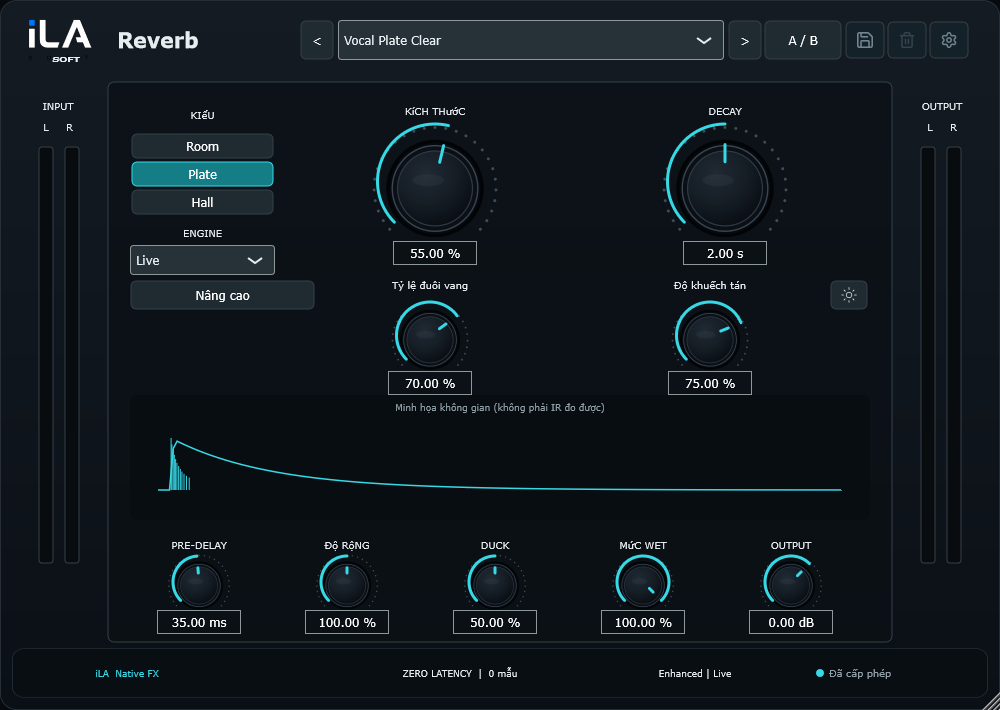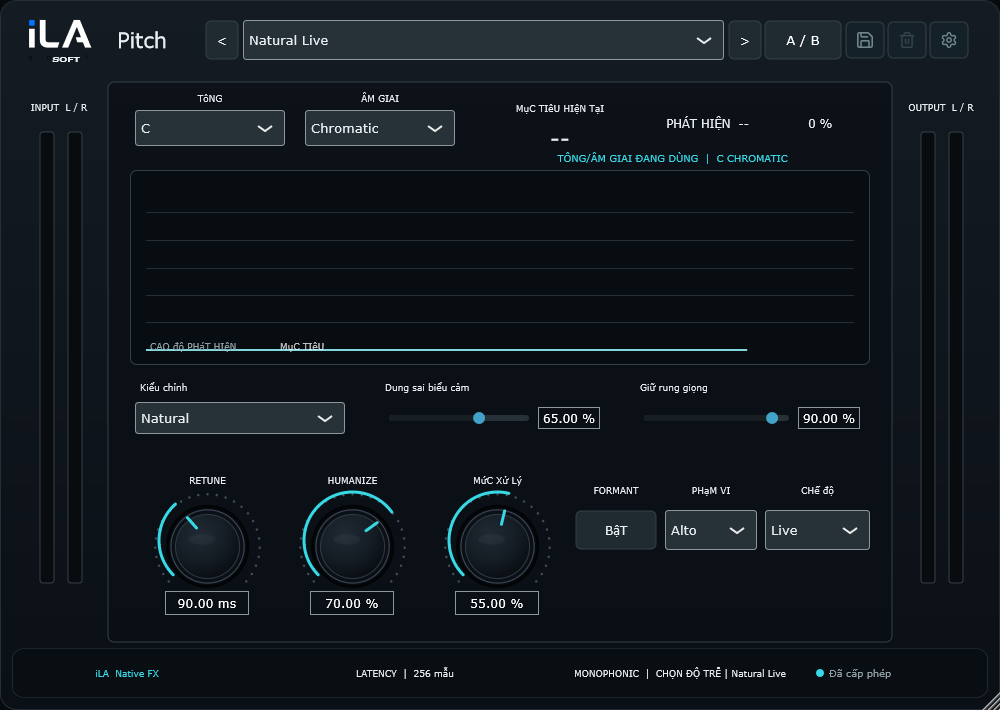
Make the voice yours
Choose a preset, shape your voice and save the settings you love.
idolLiveAudio / Live audio for Windows
Shape your voice, add effects and send your sound to your live stream with the iLA Soft ecosystem. Our products work together to make setup easier, so you can enjoy performing.
idolLiveAudio · iLA VAD · 14 iLA Native FX effects
Windows 10 / 11 · 64-bit
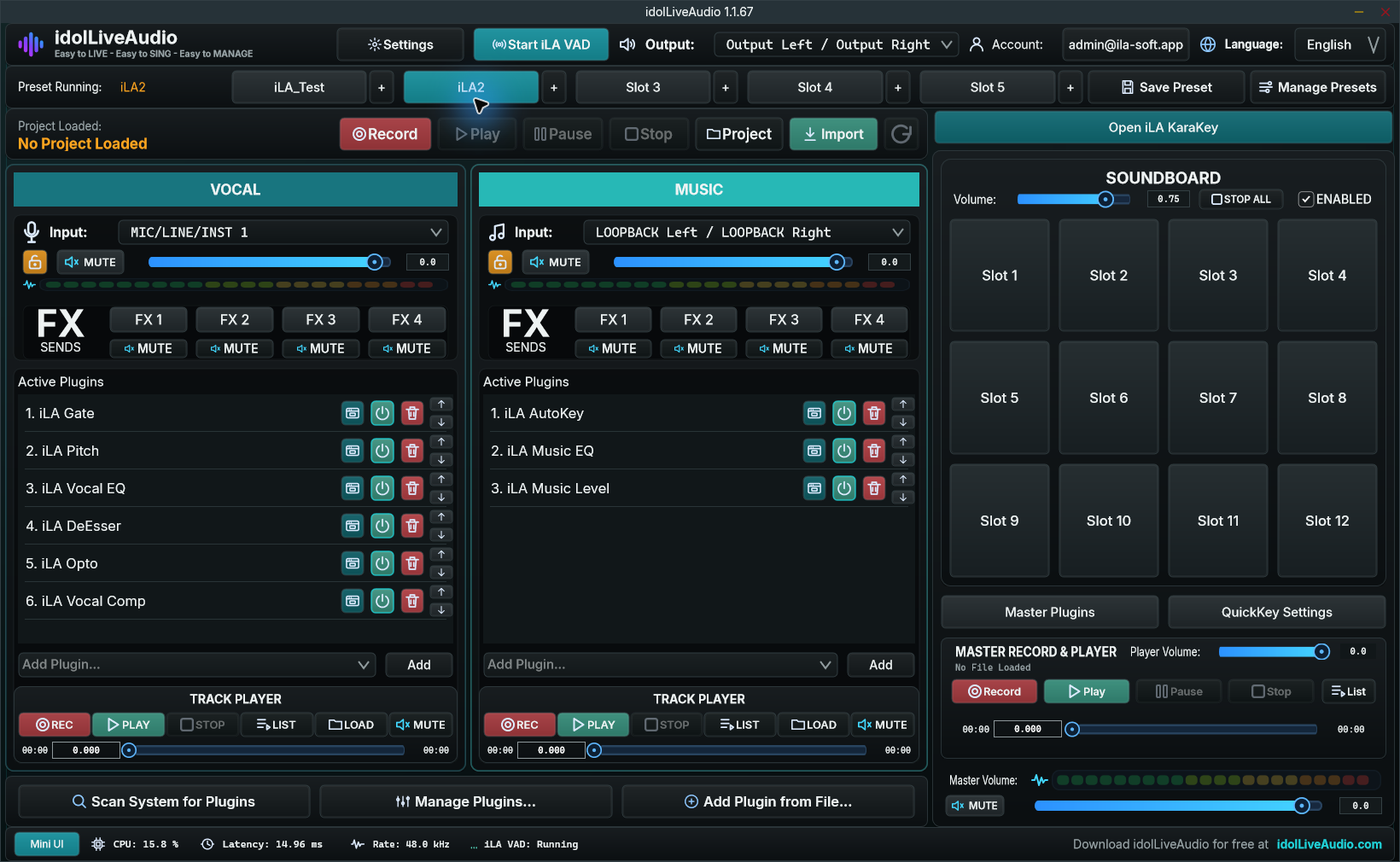
Keep your essential controls close and leave space for the rest of your live setup.
Open full image ↗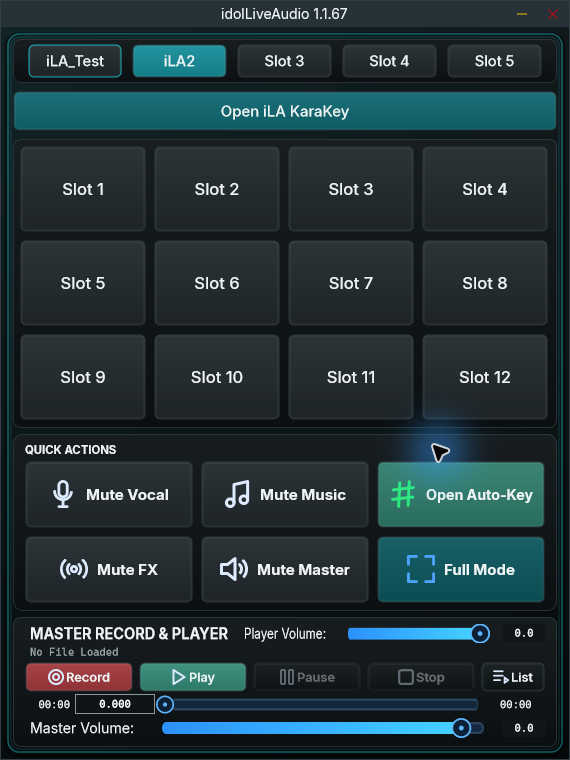
Choose a preset, shape your voice and save the settings you love.
Open KaraKey, line up your songs and get into the performance.
Soundboard, recording and levels are all in the same view.
iLA VAD / Virtual Mic
Send your vocals and music from idolLiveAudio to TikTok LIVE Studio, OBS and apps with microphone input through the built-in Virtual Mic.
No extra Voicemeeter or ASIO Link Pro setup needed for this connection.
Explore iLA VAD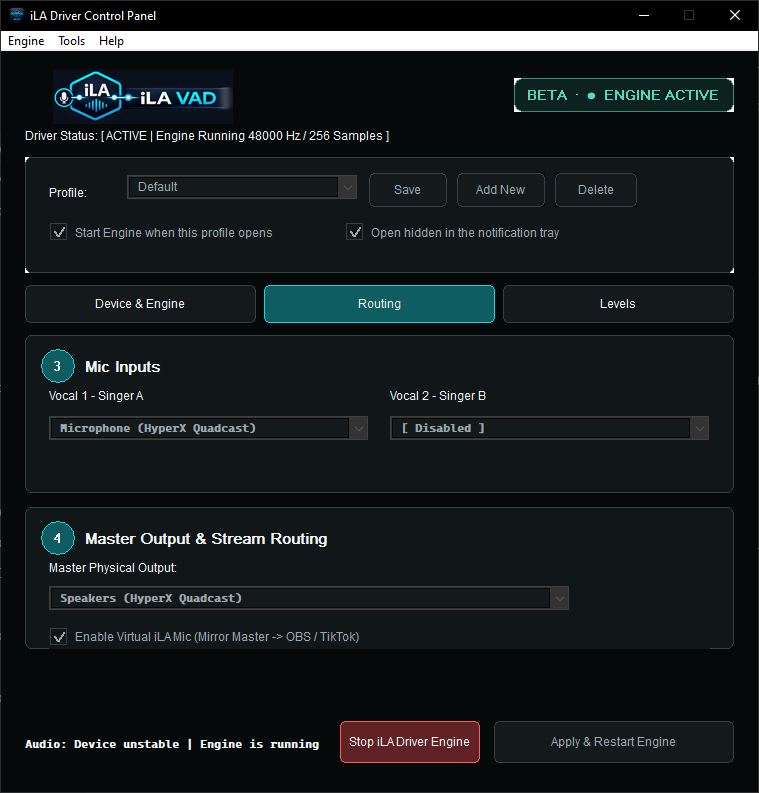
iLA Native FX / 14 plugins
Digital signatures verify the publisher and help confirm your installer has not been altered.
Ready when you are
Install idolLiveAudio and keep your plugins up to date with iLA Nexus.
Tell iLA what you need help with. Your conversation is preserved if you close the page.